Missed Calls in Dental Offices: How Many New Patients You’re Losing + Fixes That Work
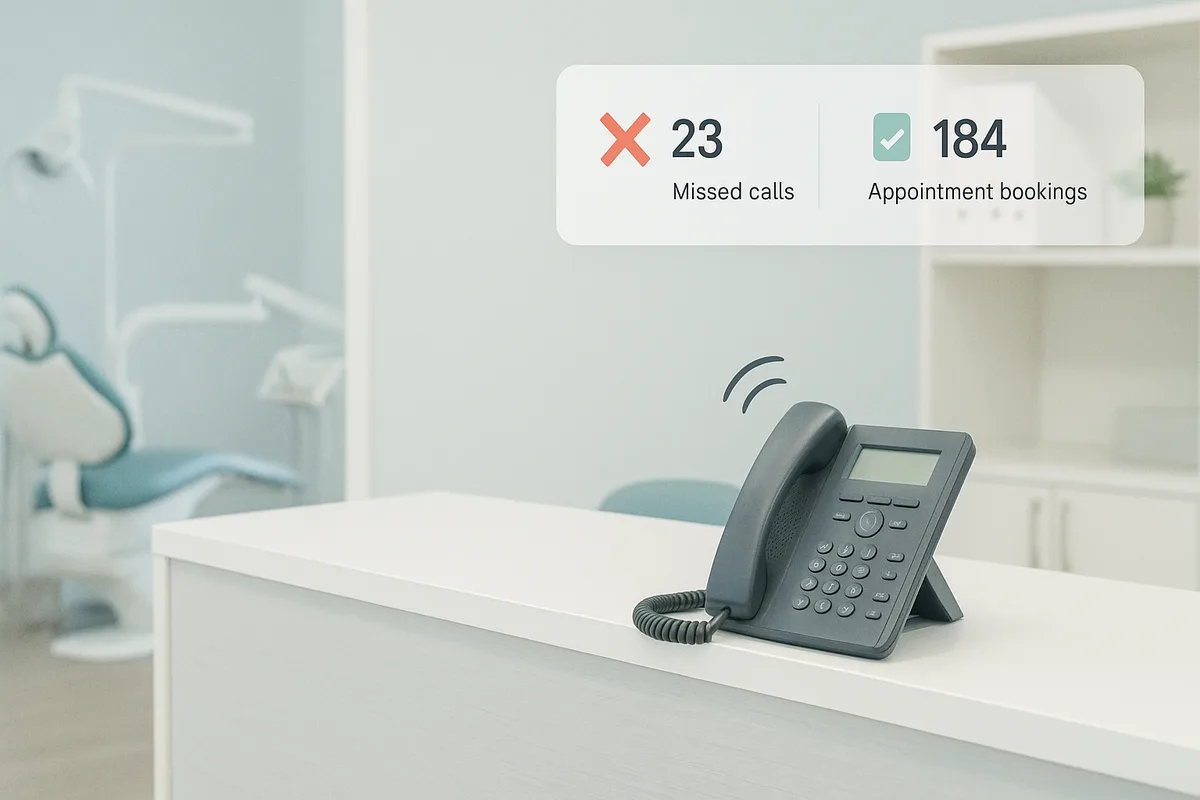
Missed calls aren’t just an inconvenience in a dental office—they’re a silent production leak. Every unanswered ring is a potential new patient choosing the next practice on Google, an existing patient delaying needed treatment, or an emergency escalating because no one picked up. In a world where patients expect instant responses, missed calls in a dental office directly reduce schedules filled with high-value procedures and increase no-shows, cancellations, and churn.
If you suspect your phones are “mostly fine,” this article will help you quantify the damage, identify the root causes, and implement fixes that work—without burning out your team.
Why missed calls are a production leak in dental
Dental practices are uniquely vulnerable to phone leakage because:
- High intent: Many callers are ready to book (especially new-patient callers searching “dentist near me”).
- Time sensitivity: Tooth pain, broken teeth, and post-op concerns don’t wait.
- Low patience: Industry benchmarks vary, but multiple call-center studies show abandonment rises sharply when callers wait beyond ~30–60 seconds.
- High value per conversion: A single booked new patient can represent thousands in lifetime revenue.
Put simply: if you’re missing calls, you’re missing appointments. And unlike a leaky supply order, you often don’t notice until the schedule softens.
Quick self-audit: calculate your missed-call rate + lead value
You don’t need a full phone overhaul to start. You need two numbers:
- Missed-call rate (how many calls you don’t answer)
- Value per call (what a new patient call is worth)
Step 1: Calculate missed-call rate
Use this simple formula:
- Missed-call rate = (Missed calls ÷ Total inbound calls) × 100
Pull data from your phone system or call tracking tool for the last 14–30 days. If you don’t have clean reporting, start with a quick estimate from your call log.
To speed this up, use FrontDesk’s Missed Call Calculator to estimate missed opportunities from your current volume and answer rate.
Step 2: Estimate the value of a new patient call
Not every inbound call is a new patient, and not every new patient call converts. That’s okay—use ranges.
A practical way to estimate:
- New patient calls per month (or % of total calls)
- Booking rate (how many new patient calls schedule)
- Show rate (how many scheduled patients arrive)
- Average first-visit production
- Downstream treatment acceptance (optional)
Then sanity-check with lifetime value. If you want a more complete number, use the Patient Lifetime Value Calculator.
Step 3: Turn missed calls into lost patients (quick math)
Here’s a conservative example:
- 1,200 inbound calls/month
- 15% missed-call rate → 180 missed calls
- 25% of calls are new-patient inquiries → 45 missed new-patient calls
- 55% would have booked if answered → ~25 lost appointments
If your average first-visit production is $300, that’s $7,500/month in immediate production—before hygiene recare, restorative, implants, ortho, or referrals.
Common causes of missed calls in dental offices
Most dental teams aren’t ignoring the phone. They’re juggling too many competing priorities at the exact moments calls spike.
Peak-hour surges (and the “8–10 AM problem”)
Dental call volume often clusters:
- Early morning (reschedules, emergencies, “can I get in today?”)
- Lunch hour (patients calling on breaks)
- Late afternoon (parents coordinating kids)
If you’re staffing based on average volume, you’ll miss calls during spikes. Forecasting helps—FrontDesk’s Call Volume Forecaster can estimate staffing needs by volume patterns.
Lunch coverage gaps
Many offices effectively go “phones optional” during lunch—even if the phone is technically on. Patients don’t care that it’s lunch; they care that they can’t reach you.
Hygiene checks and chairside interruptions
When the front desk is pulled into:
- hygiene handoffs
- xrays/photos
- room flips nobody is actively answering calls. The phone becomes a background noise until it’s too late.
Insurance and billing calls that monopolize the line
Insurance verification, claim follow-ups, and benefit explanations can turn into 10–20 minute calls. Meanwhile:
- new patient calls hit voicemail
- emergencies abandon
- existing patients can’t confirm appointments
Staffing gaps (planned and unplanned)
Common scenarios:
- one front-desk person out sick
- turnover and training time
- high call days (weather events, school breaks)
If your system only works when everyone is present, it’s fragile.
Fixes that work (and how to implement them)
You don’t need one magic solution—you need layered coverage. The goal is simple: every call is answered or recovered quickly.
1) Call routing that matches call intent
Set up routing rules so callers reach the right destination fast:
- Press 1: New patients / scheduling
- Press 2: Existing patients / rescheduling
- Press 3: Billing / insurance
- Press 9: Emergency
Keep menus short. Long IVRs increase abandonment.
If you use a dental receptionist team approach, assign roles by time block (e.g., one person primarily phones 8–10 AM; another focuses insurance 10–12).
2) Overflow coverage during surges
Overflow means if the front desk can’t answer within X seconds, calls roll to:
- a second line
- a remote team member
- an AI receptionist
This is where many practices see immediate gains because it targets peak-hour surges without hiring full-time.
FrontDesk supports missed-call recovery and overflow handling as part of Missed Call Recovery, so new patient calls don’t die on hold.
3) After-hours answering (because patients shop at night)
A significant portion of dental searches happen after work. If your voicemail is the only option from 5 PM–8 AM, you’re asking high-intent callers to “try again tomorrow.” Many won’t.
A better after-hours setup:
- capture name + reason + preferred time
- offer a scheduling link or callback window
- route true emergencies appropriately
For practices that want a dedicated dental workflow, see Dental Offices Solutions.
4) Call-back SLAs (service-level agreements)
A call-back SLA is a promise you can manage.
Recommended targets:
- Missed new patient calls: callback within 5–10 minutes during business hours
- Existing patient calls: callback within 30–60 minutes
- After-hours inquiries: response by 10 AM next business day
The key is consistency. Patients don’t need perfection—they need predictability.
5) Missed-call text back (fastest win for most offices)
If you implement only one change, implement this.
A missed call text back instantly acknowledges the caller and gives them a next step (reply, link, or callback). Text is often read within minutes, and it reduces the “phone tag” cycle.
FrontDesk offers a dedicated Missed Call Text Back capability designed for healthcare workflows.
6) Web scheduling (reduce call dependency)
Not every patient wants to call. Give them a self-serve option:
- new patient request form
- hygiene recare scheduling
- limited online slots for emergencies
Then ensure the system routes requests into a trackable workflow (not a forgotten inbox). FrontDesk supports streamlined intake via New Patient Intake.
Scripts and templates your team can use today
Consistency matters. These templates reduce hesitation and speed up recovery.
Missed-call text back template
Use within 0–2 minutes of the missed call.
Option A (simple scheduling):
Hi {First Name}, sorry we missed your call—this is {Practice Name}. How can we help? Reply here or call us at {Phone}. If you’d like, tell us a good time to call you back.
Option B (new patient focused):
Hi {First Name}, this is {Practice Name}. Sorry we missed you—are you looking to schedule as a new patient or need an urgent visit? Reply “NEW” or “URGENT” and we’ll help right away.
Option C (link-based):
Hi {First Name}, sorry we missed your call—this is {Practice Name}. You can request an appointment here: {Link}. Or reply with what you need and we’ll call you back.
Voicemail script (keep it short)
You’ve reached {Practice Name}. We’re helping patients right now. Please leave your name, number, and the reason for your call. If this is a dental emergency (swelling, trauma, uncontrolled bleeding), press {X} or text {Number}. We’ll return your call as soon as possible.
Call-back opener script (for your dental receptionist)
Hi {Name}, this is {Staff} from {Practice Name}. Thanks for calling earlier—I’m sorry we missed you. How can I help today?
Then quickly qualify:
- “Are you a new patient with us?”
- “Is this related to pain or an urgent issue?”
- “What days/times typically work best?”
Emergency routing script (triage + safety)
I’m going to ask a couple quick questions to help you safely. Are you having trouble breathing, severe swelling, or uncontrolled bleeding?
- If yes: advise emergency care per office protocol.
- If no: capture symptoms, onset, pain level, and offer the soonest appropriate slot.
Document the triage outcome and confirm next steps.
KPIs to track (so you know it’s working)
If you can’t measure it, you can’t manage it. Track these weekly:
- Answer rate
- % of inbound calls answered by a human/agent
- Speed to answer (ASA)
- average seconds to answer
- Abandonment rate
- % of callers who hang up before reaching someone
- Call-back time
- median minutes from missed call to first outbound attempt
- Booking rate
- % of new patient calls that result in an appointment
A tool like FrontDesk Call Analytics makes these visible without manual spreadsheets.
For deeper insight into what’s happening on calls (and why bookings are missed), pair analytics with Call Recording and Call Intelligence.
Implementation: a practical 7-day plan
Here’s a realistic plan most offices can execute without chaos.
Day 1: Baseline your numbers
- Pull last 14–30 days of inbound call data
- Calculate missed-call rate and abandonment
- Identify top 3 peak windows
- Use the Missed Call Calculator to estimate impact
Day 2: Map your call flows
Document:
- where calls go during business hours
- what happens at lunch
- what happens after hours
- how emergencies are handled
Find “dead ends” (voicemail with no follow-up, unclear ownership).
Day 3: Set call-back SLAs + ownership
- Define response targets (5–10 minutes for new patients)
- Assign who owns callbacks by time block
- Create a missed-call task list (shared spreadsheet or CRM)
If you want a centralized workflow for follow-up, consider a system like Patient CRM.
Day 4: Launch missed-call text back
- Implement an automatic text back for missed calls
- Use one of the templates above
- Make sure texts route to a monitored inbox
FrontDesk’s Missed Call Text Back is designed for exactly this scenario.
Day 5: Add overflow coverage for peak windows
- Set overflow to trigger after X seconds or when lines are busy
- Start with your top 1–2 peak windows
- Train the overflow handler on booking rules and FAQs
Day 6: Improve scheduling access
- Add web scheduling or request forms
- Offer limited emergency slots
- Ensure follow-up is tracked (no “form graveyard”)
Day 7: Review call recordings + coach
- Listen to 10 missed opportunities (or near-misses)
- Identify patterns (hold too long, unclear scripts, insurance rabbit holes)
- Adjust scripts and routing
How FrontDesk helps (in a non-salesy way)
Most phone problems aren’t about effort—they’re about coverage, speed, and consistency. FrontDesk is built to support that without forcing you to rebuild your entire front office.
- AI receptionist coverage to answer common questions, capture intent, and route appropriately—helpful during surges, lunch, and after-hours. (See Dental Offices Solutions; similar workflows exist for Medical Offices Solutions.)
- Missed call text back to instantly recover callers who would otherwise disappear: Missed Call Text Back.
- Smart scheduling + intake to reduce phone dependency and speed booking: New Patient Intake.
- Call analytics and quality insights so you can manage performance like any other production metric: Call Analytics, plus Call Intelligence and Call Recording.
- Patient follow-up workflows to ensure every lead gets a response: Patient Outreach.
- Dental software integrations to fit into existing operations, including Open Dental Integration and Curve Dental Integration.
FAQs
What is an acceptable missed-call rate for a dental office?
Many high-performing practices aim for 90–95%+ answer rates during business hours. If you’re missing more than 5–10%, you likely have meaningful leakage—especially for dental new patient calls.
Do missed-call text backs really work in healthcare?
Yes—because they reduce friction and acknowledge the patient immediately. The key is pairing the text with a real workflow: someone must respond quickly, and the message must offer clear next steps.
Should we prioritize new patient calls over insurance calls?
In most practices, yes. Insurance calls are important, but they can be scheduled into dedicated blocks. New patient and emergency calls are time-sensitive and revenue-critical.
How do I know if my team needs training vs. more coverage?
If calls are answered quickly but booking rates are low, it’s often scripting/training. If booking rates are solid when you answer but missed calls are high, it’s primarily a coverage and routing issue. Reviewing a sample of calls using Call Recording helps you separate the two.
Can we fix this without hiring another full-time dental receptionist?
Often, yes. Practices typically improve results by combining overflow coverage, missed-call text back, and clear callback SLAs—before adding headcount.
Conclusion: stop letting the phone decide your production
Missed calls in a dental office are rarely a “front desk problem.” They’re a systems problem—and the fix is measurable.
Use this checklist to start this week:
- Calculate missed-call rate and peak hours
- Estimate lost new patient value (first visit + lifetime)
- Set callback SLAs and assign ownership
- Turn on missed-call text back
- Add overflow coverage for peak windows
- Offer web scheduling/request options
- Track KPIs weekly (answer rate, speed to answer, abandonment, callback time, booking rate)
If you want a streamlined way to recover missed calls, respond faster, and see what’s happening on your phones, FrontDesk can help—without adding chaos to your current workflow. Explore Missed Call Recovery and see what changes you can implement in days, not months.