AI Receptionist for Dental Offices: Use Cases, Call Flows, Costs, and a 14-Day Launch Plan
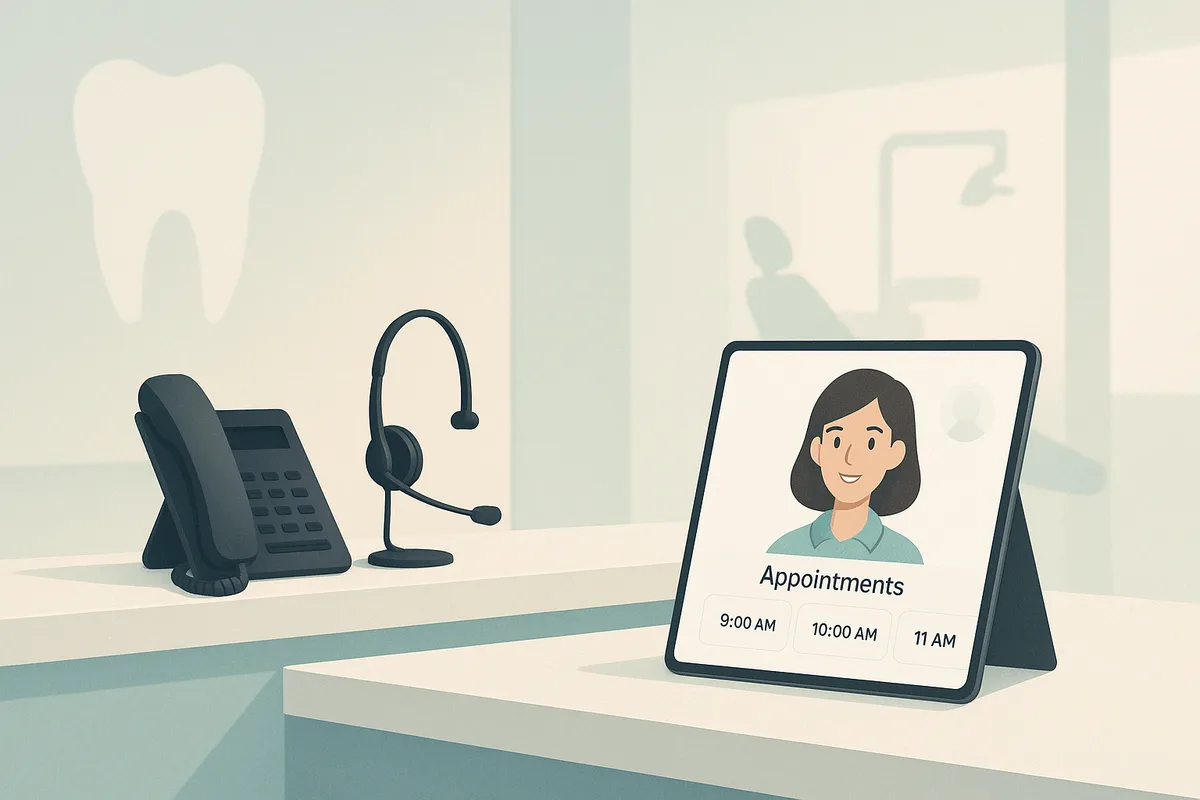
Every missed dental call is more than an inconvenience—it’s lost production, a slower schedule, and a patient experience problem that compounds over time, especially when considering the varying dental assistant requirements across states. Dental offices still win (or lose) new patients on the phone, yet front desks are constantly pulled in three directions: checking in patients, working insurance, and trying to keep up with ringing lines. The result is a revenue bottleneck and a service bottleneck at the same time.
An AI receptionist for dental office teams is designed to remove that pressure by answering, qualifying, routing, and resolving common requests—without forcing patients into a frustrating phone tree. Done right, an ai dental receptionist improves access, captures more leads, and gives staff time back for in-office care.
Why dental phones are a revenue + experience bottleneck
Dental practices are uniquely phone-heavy:
- High intent callers: many callers are ready to book (new patient exams, tooth pain, broken fillings).
- Time-sensitive needs: emergencies and after-hours questions can’t wait until the next business day.
- Complexity: insurance verification, procedure estimates, and scheduling constraints are hard to juggle mid-checkout.
Industry studies across healthcare and service businesses consistently show that missed calls and long hold times correlate with lost bookings and patient churn. Even a “small” problem (e.g., 10–20% missed calls during peak hours) can translate into thousands of dollars per month in lost production for a single-location office.
If you want to quantify the impact quickly, start with FrontDesk’s Missed Call Calculator and compare it to what you’re spending on coverage using the Staffing Cost Calculator.
What an AI receptionist can (and should not) do in a dental practice
A modern dental phone answering service powered by AI should feel like a well-trained front desk teammate: helpful, fast, and consistent.
What it can do well
An AI receptionist is best at repeatable, high-volume interactions:
- Answer 24/7 with natural conversation (no “press 1, press 2” experience).
- Capture and qualify new patient leads (reason for visit, urgency, preferred times, insurance info at a high level).
- Schedule, reschedule, and cancel within guardrails (or hand off when rules get complex).
- Handle FAQs: hours, location, directions, parking, financing options, what to bring.
- Route calls intelligently: hygiene vs. restorative, billing vs. clinical, emergency escalation.
- Recover missed calls automatically with text-back and follow-up.
FrontDesk combines these capabilities in its AI Receptionist, and you can extend coverage for missed calls with Missed Call Text Back to re-engage patients who hang up or call after hours.
What it should not do
For dental offices, there are clear boundaries:
- No clinical diagnosis or treatment advice. It can gather symptoms and route to the right person, but not diagnose.
- No guarantees on insurance coverage or pricing. It can explain general policy (e.g., “we accept most PPOs”) and collect details for verification.
- No handling of highly sensitive edge cases without escalation. Examples: suspected abuse, severe allergic reactions, complex medical histories.
A good implementation defines escalation rules early so the AI stays in a safe, compliant lane.
Top dental use cases
Below are the highest-ROI areas where dental receptionist automation typically pays back fastest. For more examples, see FrontDesk Use Cases and dental-specific guidance on Dental Offices Solutions.
1) New patient calls (the “speed-to-lead” moment)
New patient calls are often the most valuable—and the easiest to lose when the front desk is busy.
What an AI dental receptionist should do:
- Confirm the caller is a new patient
- Ask reason for visit (cleaning, pain, cosmetic consult, second opinion)
- Offer appointment options (based on your rules)
- Collect contact details and preferred communication method
- Set expectations: what to bring, arrival time, forms, insurance card
2) Insurance FAQs (without overpromising)
Insurance questions consume staff time, especially when callers want definitive cost numbers.
AI can:
- Explain accepted plans at a high level
- Collect insurer + member ID (or ask them to bring info)
- Set expectations: “We’ll verify benefits and review your estimate before treatment.”
3) Reschedules and cancellations
Reschedules create a double workload: handling the call and then filling the open slot.
AI can:
- Reschedule within approved windows
- Offer next-best alternatives
- Trigger waitlist workflows (if you use them)
- Confirm via SMS/email
4) After-hours coverage
Patients don’t only remember to call between 9–5.
A dental phone answering service with AI can:
- Capture new patient requests overnight
- Book or request-call-back for the next day
- Provide clear next steps for urgent issues
5) Emergencies and urgent dental pain
Emergencies require careful triage and fast routing.
AI can:
- Ask a short, scripted set of safety questions
- Identify red flags (uncontrolled bleeding, facial swelling with fever, breathing difficulty)
- Escalate to on-call staff or instruct to seek emergency care when appropriate
Example call flows (scripts you can copy)
The goal of call flows is consistency: every caller gets the same high-quality intake, even during the busiest hour.
If you want to see how these map to real deployments, browse FrontDesk Case Studies.
New patient call flow (booking-focused)
- Greeting + intent
- “Thanks for calling [Practice Name]. Are you looking to schedule as a new patient or are you an existing patient?”
- Reason for visit
- “What can we help you with today—cleaning and exam, tooth pain, or something else?”
- Urgency check
- “Is this urgent—severe pain, swelling, or bleeding?”
- If yes, route to urgent flow.
- Appointment options
- “We have openings [Day/Time Option A] or [Option B]. Which works best?”
- Contact capture
- “What’s the best number and email for confirmations?”
- Insurance capture (lightweight)
- “Do you have dental insurance? If so, which carrier?”
- Expectations + confirmation
- “Great—please arrive 10–15 minutes early with your ID and insurance card. I’ll send a confirmation now.”
Automation tip: If you’re using practice management software like Open Dental, connect scheduling and patient details via the Open Dental Integration so the AI can reduce manual entry.
Existing patient call flow (reschedule/cancel)
- Identify intent
- “Are you calling to reschedule, cancel, or ask a question about an upcoming visit?”
- Verify patient
- Name + DOB (or phone number match), then confirm the appointment date/time.
- Reschedule options
- Offer the closest equivalent time slots (same provider, same appointment type).
- Cancellation safeguards
- If canceling: “Would you like to keep a spot on our waitlist for the next available opening?”
- Confirmation
- Send updated confirmation and reminders.
Emergency / after-hours call flow (safe triage + escalation)
- Immediate safety screen
- “If you’re having trouble breathing, severe swelling affecting your airway, or uncontrolled bleeding, please hang up and call 911 or go to the ER.”
- Gather symptoms
- Pain level, swelling, bleeding, trauma, fever, broken tooth, time of onset.
- Determine urgency category
- Emergency escalation (on-call)
- Same-day urgent slot request
- Next-day appointment request
- Escalation step
- “I’m going to contact the on-call team now. What’s the best number to reach you in the next few minutes?”
- Documentation
- Log the call summary for staff review.
Quality tip: Use Call Recording for QA and coaching, and pair it with Call Intelligence to automatically summarize calls and spot recurring issues (e.g., insurance confusion, long holds, missed opportunities).
Costs & ROI: what drives pricing, how to estimate payback, common pitfalls
What drives cost for an AI receptionist
Pricing varies by vendor, but these factors usually matter most:
- Call volume (minutes, number of calls, peak-hour concurrency)
- Features (scheduling, texting, analytics, integrations)
- After-hours and emergency routing complexity
- Compliance requirements (HIPAA, BAAs, retention policies)
- Customization (multi-location, multiple providers, specialty scripts)
To compare the economics of hiring vs. automating, use Receptionist vs AI. If you’re projecting growth, the Call Volume Forecaster helps estimate what you’ll need during busy seasons.
A simple payback model (example)
You can estimate ROI without perfect data:
- Estimate missed opportunity
- Missed calls per day × % that are high-intent new patients × close rate × average first-year value.
- Add labor savings
- Hours/week spent on routine calls × loaded hourly cost.
- Subtract AI cost
- Monthly subscription + usage.
Example (illustrative):
- 8 missed calls/day
- 25% are high-intent new patient calls
- 60% would book if answered
- First-year value per new patient: $900
Monthly recovered value ≈ 8 × 0.25 × 0.60 × $900 × 22 business days ≈ $23,760 (before operational constraints). Even if only a fraction is realized due to capacity limits, the payback can be fast.
Common pitfalls to avoid
- Over-automating complex cases: keep clear handoff rules.
- No capacity planning: if you can’t accommodate new patients, you’ll create a new experience problem.
- Weak scripts: the AI needs your best front desk language, not generic prompts.
- No measurement: without analytics, you won’t know if the system is improving bookings.
FrontDesk’s Call Analytics is designed to make performance visible—answer rates, outcomes, missed opportunities, and trends by time of day.
HIPAA + compliance basics for dental offices
Most dental practices are HIPAA covered entities, and any vendor handling protected health information (PHI) on your behalf is typically a business associate.
Here are the basics to align on when adopting a dental answering service (AI or otherwise):
- Business Associate Agreement (BAA): Ensure your vendor will sign a BAA if they handle PHI.
- Minimum necessary: Collect only what you need for scheduling and routing (e.g., symptoms at a high level, not a full clinical history).
- Call recordings: If you record calls, disclose it where required by state law and define retention/access controls. Use role-based access and audit trails.
- Secure data handling: Encryption in transit/at rest, access logging, and clear policies for data deletion.
Compliance is not just paperwork—your call flows should be designed to avoid unnecessary PHI while still delivering a great patient experience.
Implementation: a practical 14-day launch plan
A successful rollout is less about “turning on AI” and more about configuring workflows that match how your practice actually runs.
Days 1–2: Define goals and scope
- Pick 1–2 primary goals (e.g., new patient capture + after-hours coverage).
- Decide what the AI will handle vs. route to humans.
- Identify emergency escalation contacts and hours.
Days 3–4: Build your call scripts and knowledge base
- Write your top FAQs (hours, address, parking, financing, insurance positioning).
- Document scheduling rules:
- New patient appointment types and lengths
- Provider preferences
- Hygiene vs. doctor scheduling
- Same-day urgent slots
Days 5–6: Configure routing and escalation
- Set routing by:
- call reason (billing, scheduling, clinical)
- urgency (emergency vs. routine)
- time of day (open hours vs. after-hours)
- Confirm escalation paths (call, text, voicemail) and response expectations.
Days 7–8: Integrations + data hygiene
- Connect your systems where appropriate (e.g., Open Dental Integration).
- Clean up schedules and appointment types so automation doesn’t inherit messy data.
Days 9–10: Train staff and set expectations
- Train the team on:
- what the AI will do
- how handoffs arrive (call transfer, task, text)
- how to correct mistakes and flag edge cases
- Create a “front desk playbook” for exceptions.
Days 11–12: QA with real call scenarios
Run test calls for:
- new patient booking
- insurance FAQ
- reschedule
- emergency escalation
- Spanish/other language needs (if relevant)
Use Call Recording to review and refine phrasing, and Call Intelligence to summarize outcomes and spot friction points.
Days 13–14: Soft launch, then expand coverage
- Start with:
- after-hours + overflow during peak periods, or
- new patient line only
- Review daily metrics and call transcripts.
- Expand to reschedules/cancellations once booking performance is stable.
If missed calls are a known issue, prioritize workflows aligned to Missed Call Recovery so every unanswered ring triggers a fast follow-up.
Metrics to track (so you know it’s working)
Dental receptionist automation should be managed like any other production system: with clear KPIs.
Track these weekly:
- Answer rate: % of calls answered live (AI or human).
- Abandonment rate: % of callers who hang up before resolution.
- Booking rate: appointments booked ÷ booking-intent calls.
- Speed-to-lead: time from first call to scheduled appointment (or callback).
- Missed-call recovery rate: % of missed calls that convert after follow-up.
- No-show rate: especially for newly automated booking flows.
- Transfer rate + transfer success: how often AI hands off and whether the handoff resolves.
Use Call Analytics to break down performance by hour/day and identify staffing or scheduling constraints that are causing phone friction.
FAQ
Will an AI receptionist replace my front desk team?
In most dental offices, the best outcome is augmentation, not replacement. An AI receptionist handles repetitive calls and after-hours coverage so staff can focus on patients in the office and higher-touch conversations.
Can it schedule appointments directly?
Yes—if you define appointment types, rules, and guardrails. Many practices start with new patient scheduling and reschedules, then expand once performance is consistent.
How does this compare to a traditional dental phone answering service?
Traditional services rely on humans reading scripts and sending messages. An AI dental receptionist can respond instantly, handle higher volume without hold times, and automate follow-ups—while still routing to humans when needed.
Is it HIPAA compliant?
HIPAA compliance depends on the vendor’s controls and willingness to sign a BAA when PHI is involved. Also ensure your call flows follow the “minimum necessary” principle and your recording practices align with state laws.
What if the AI makes a mistake?
Design for safe failure:
- Keep escalation paths clear
- Limit what the AI can do for high-risk scenarios
- Review calls regularly using recordings and analytics
- Update scripts based on real-world edge cases
Conclusion: make the phone a growth channel again
Dental phones shouldn’t be where production leaks out of your practice. With the right ai receptionist for dental office setup—clear boundaries, strong call flows, and measurable KPIs—you can answer more calls, book more patients, and reduce front desk overload without sacrificing experience.
If you’re evaluating options, explore FrontDesk’s AI Receptionist and dental-specific workflows on /industry/dental. Then quantify your opportunity with the Missed Call Calculator and compare staffing tradeoffs using Receptionist vs AI.